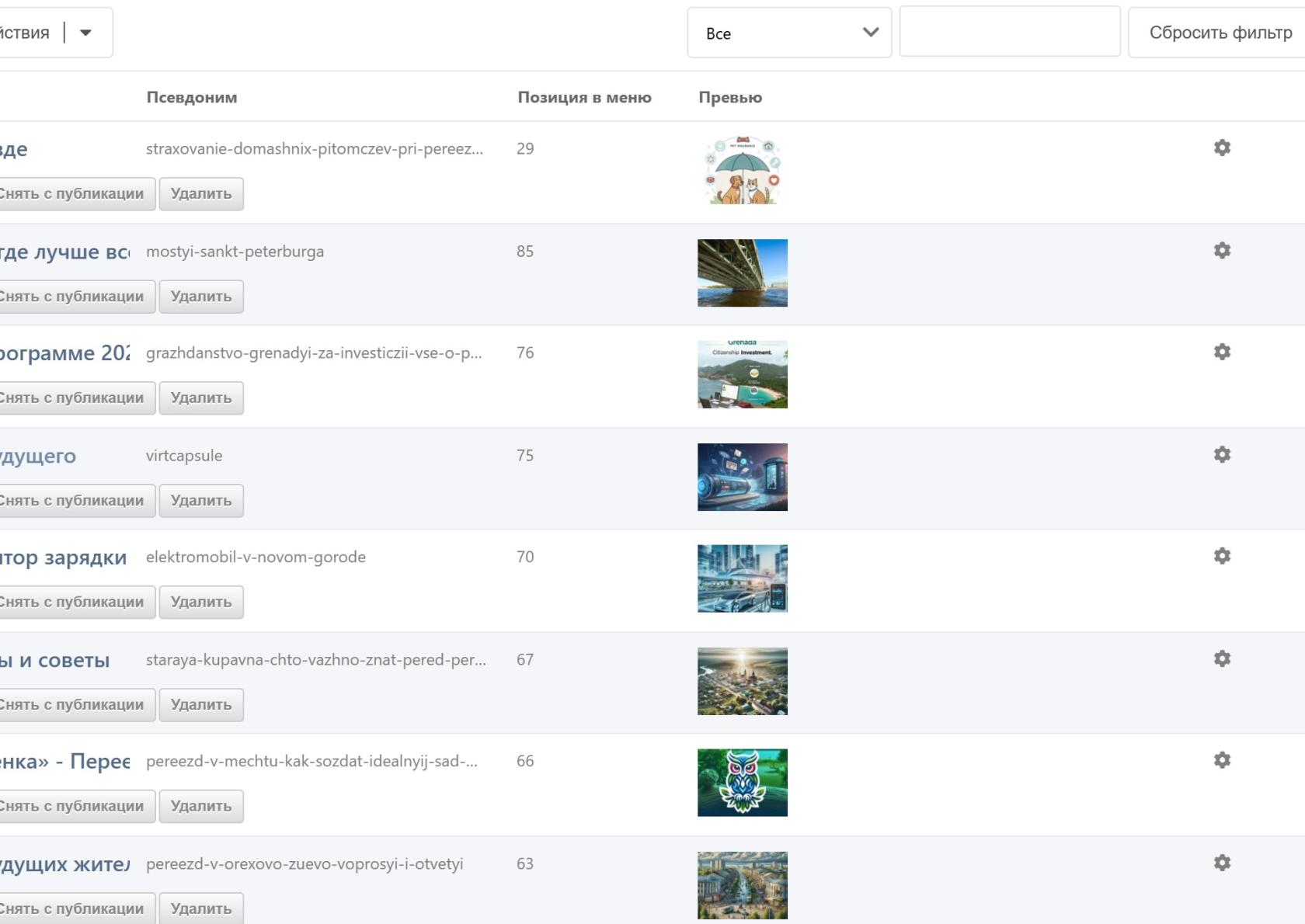
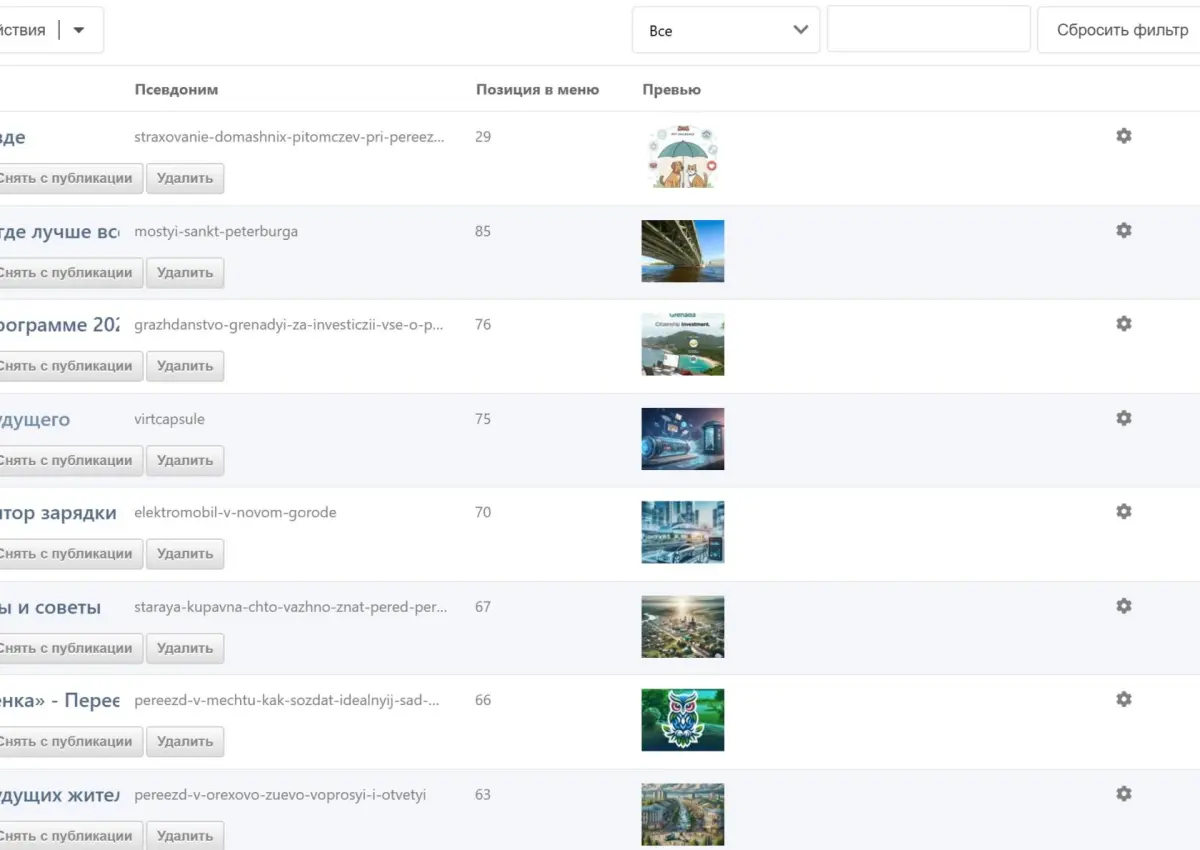
Here is how to show a thumbnail of the first Gallery3x image right in the child resources grid of the Collections component.
This makes navigation and content management much easier: the manager immediately sees which picture belongs to which resource.
Including the JS renderer in system settings
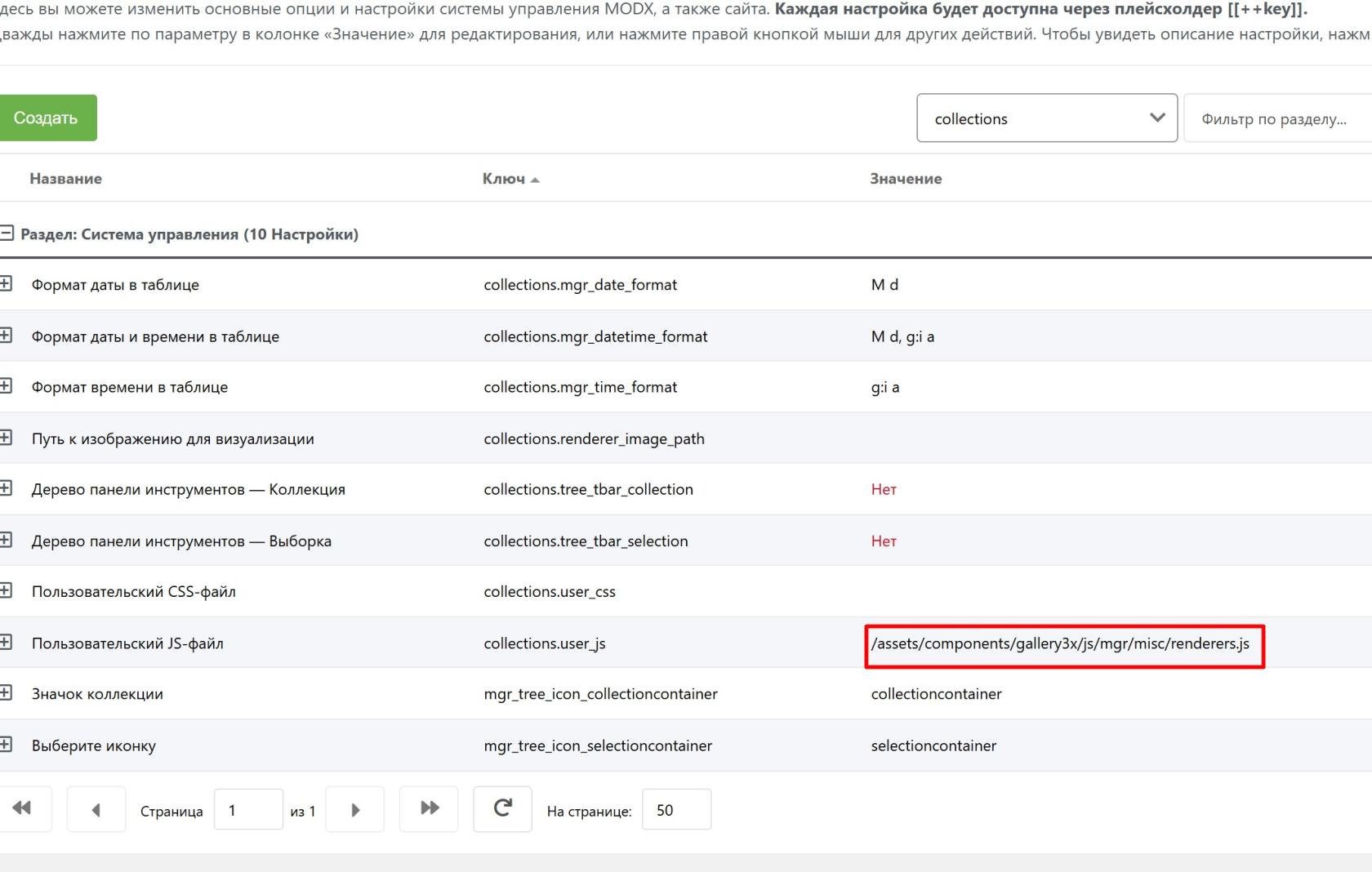
Now Collections has to be “told” to load the JS file.
-
Go to Settings (⚙️) → System Settings.
-
In the filter, select the collections namespace.
-
Find the
collections.user_jskey (custom JS file). -
Enter the file path:
/assets/components/gallery3x/js/mgr/misc/renderers.js
Setting up the column in Collections
This is the final step where everything is tied together.
-
Open the container resource and open the Collections view settings (the “Children” tab → ⚙️).
-
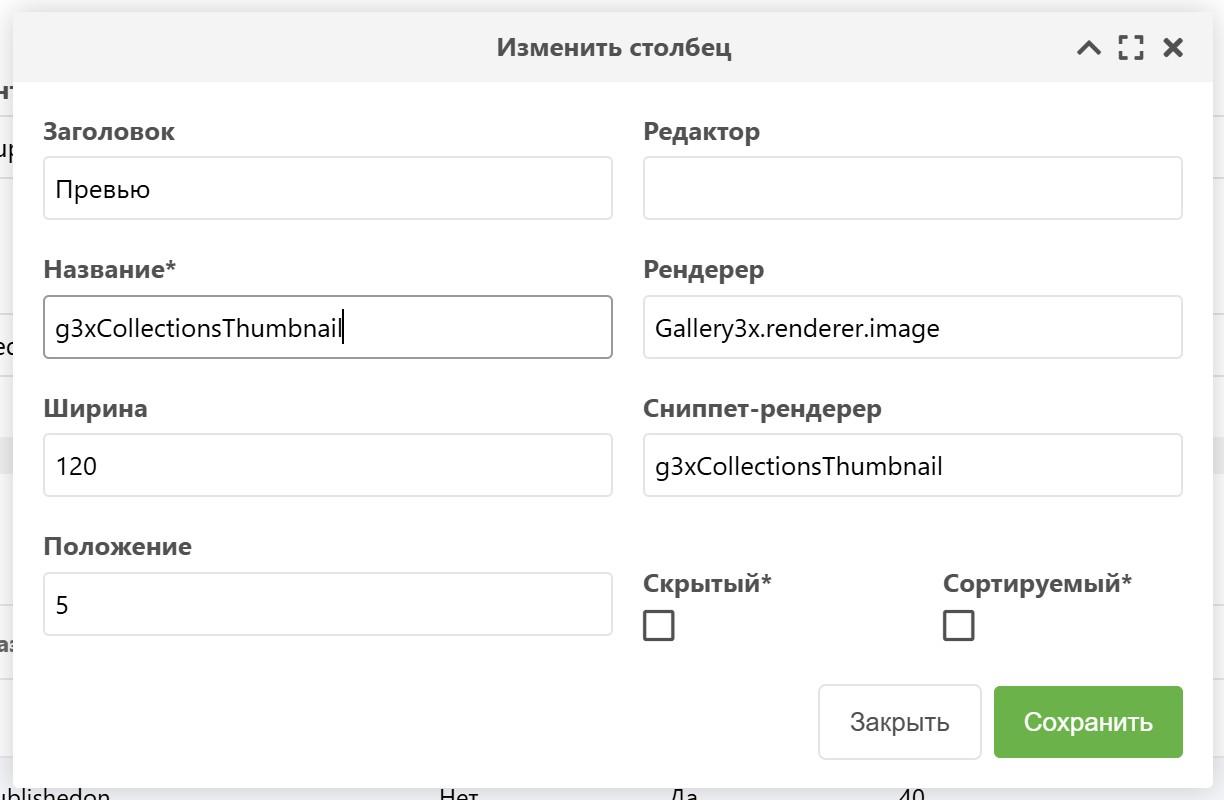
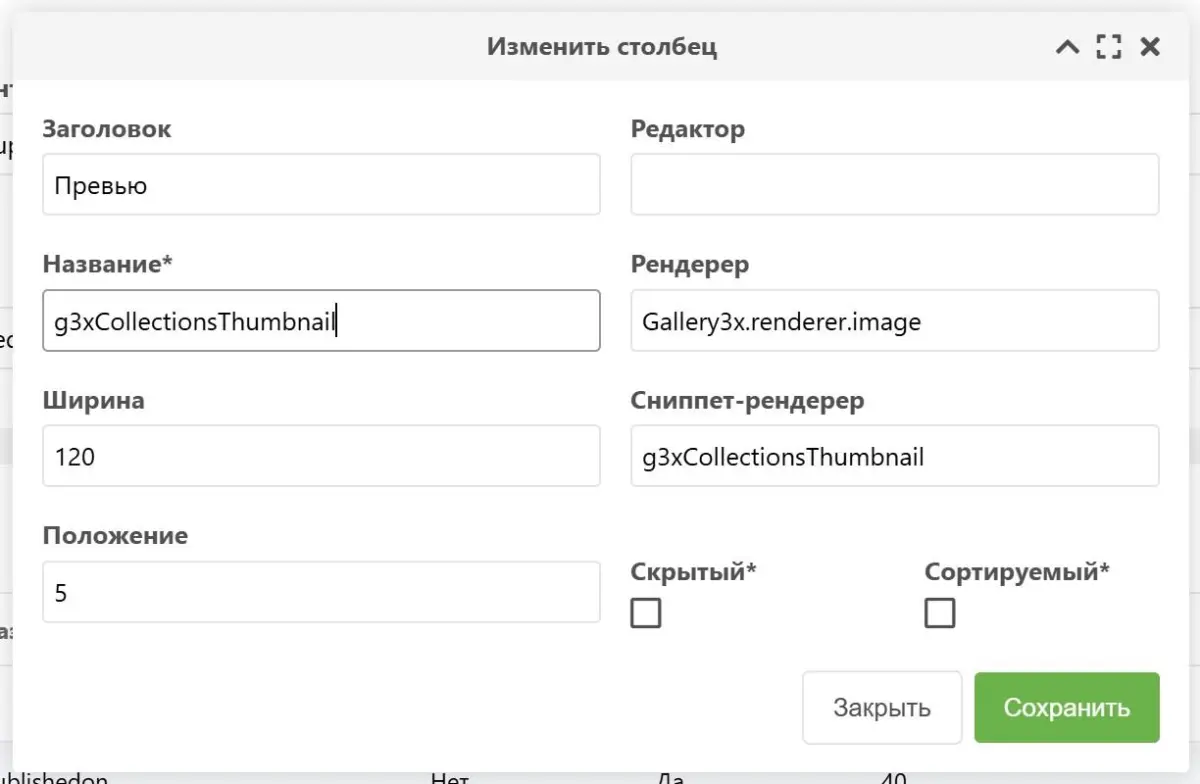
Edit an existing column or create a new one with these parameters:
-
Label:
Preview -
Name:
g3xCollectionsThumbnail -
Renderer:
Gallery3x.renderer.image -
Snippet renderer:
g3xCollectionsThumbnail -
Result:
-